Strong signal, every corner.
Poor WiFi means dropouts, buffering and frustration. We survey your space, design the network around it, and install WiFi that just works — for streaming, smart homes, tills and busy workplaces.
- Free WiFi survey
- 6-month workmanship guarantee
- 4G/5G failover options
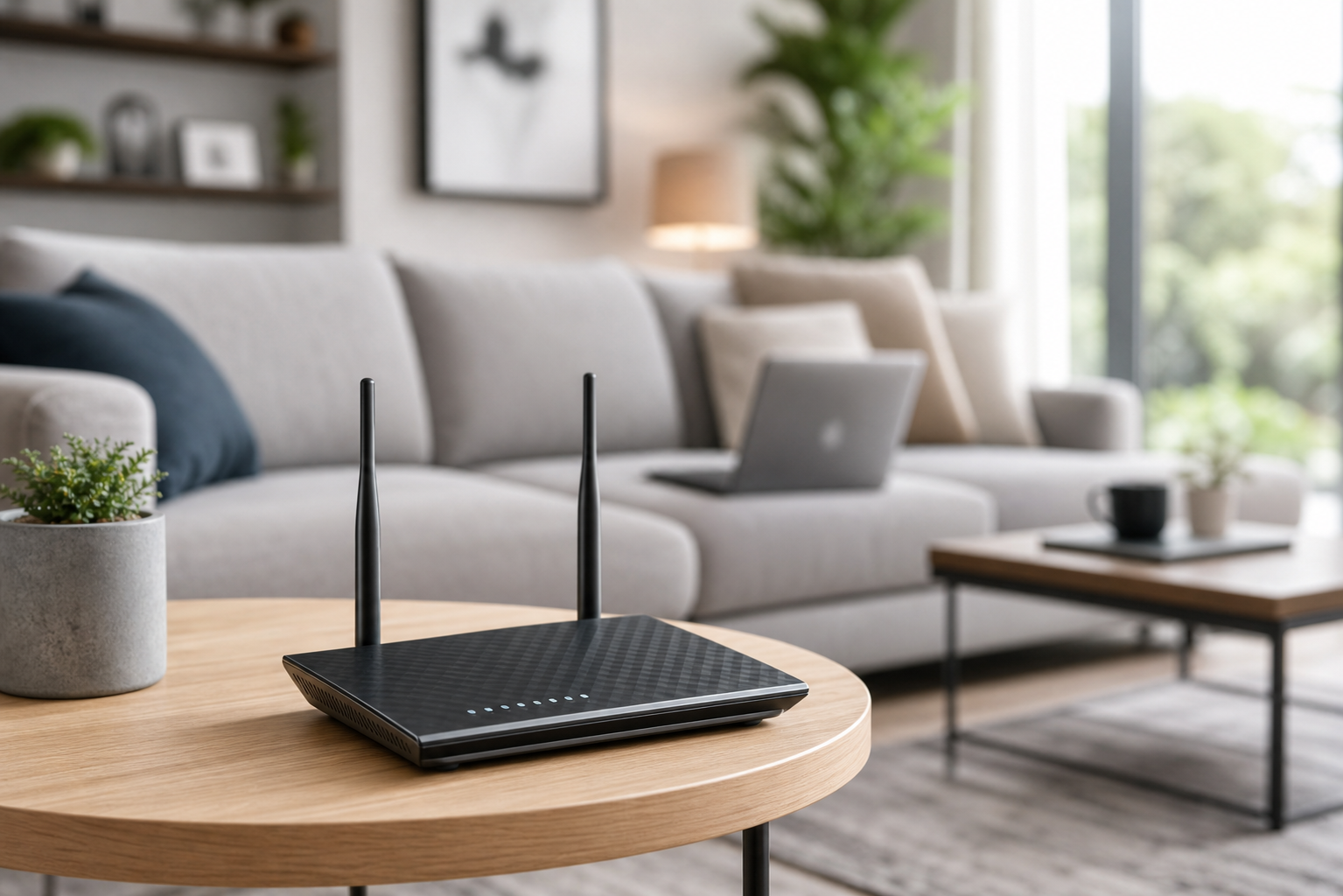
The building blocks of great WiFi.
A strong network is a system, not a single box. These are the components we design with — and where each one earns its place.
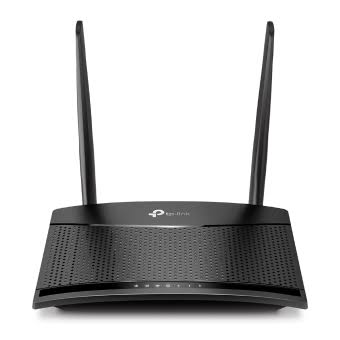
Routers & Gateways
The heart of the network — where your broadband arrives and every device's traffic is managed, secured and prioritised.
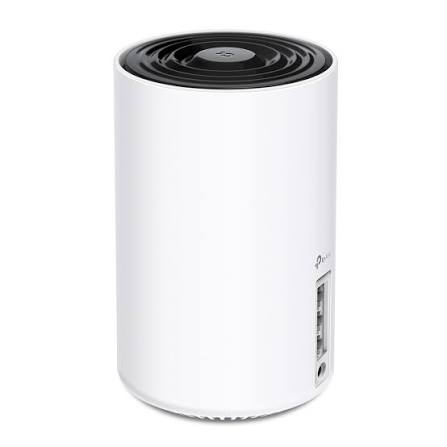
Mesh Systems
Multiple units working as one seamless network across a home — walk the whole property on a video call without a single drop.
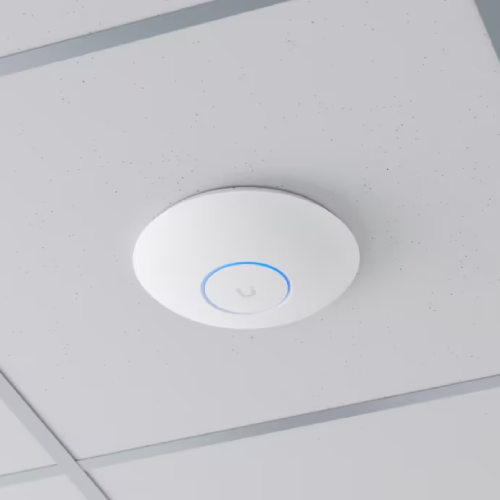
Ceiling Access Points
Enterprise-grade coverage for businesses: discreet ceiling-mounted APs handling dozens of devices each, with seamless roaming between them.
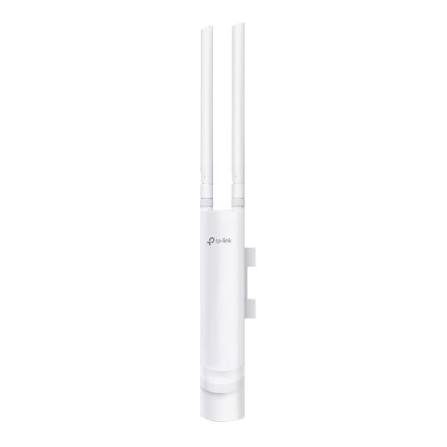
Outdoor Access Points
Weatherproof units extending the same network to gardens, terraces, yards and outbuildings.
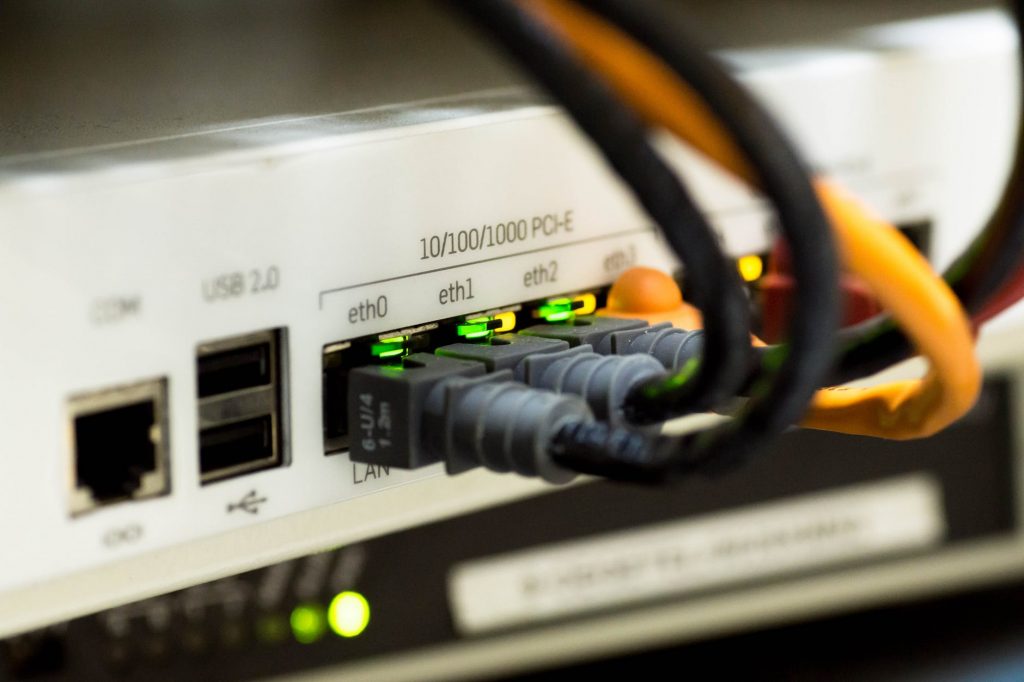
Structured Cabling & PoE
The wired backbone: tidy, labelled CAT6 runs powering access points over a single cable and keeping fixed devices off the airwaves.
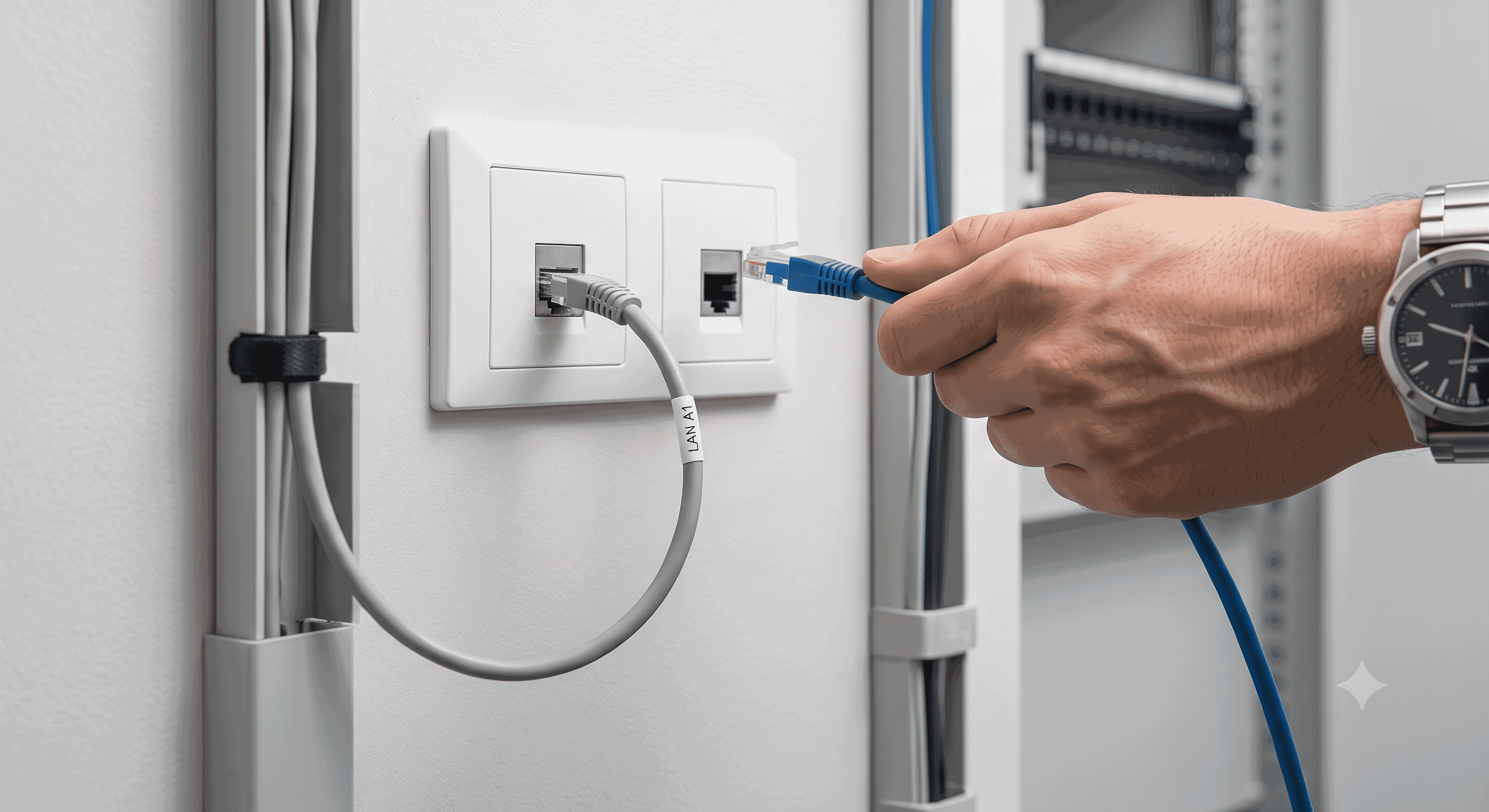
Hard-Wired LAN Data Sockets
Wall-mounted data sockets for rock-solid wired connections — perfect for home offices where the desk deserves full speed, and for business workstations, tills and printers that should never rely on WiFi.
What a home network actually needs.
Streaming in the lounge, meetings in the office, gaming upstairs, smart devices on all day — the modern home asks a lot of one router in the hallway. A designed network spreads that load properly.
Whole-home mesh coverage
Nodes placed where they work — one seamless network on every floor.
Wired backhaul where possible
Cabled mesh nodes perform dramatically better. We run the cables neatly.
Dead zones eliminated
Conservatories, lofts, garages and gardens brought onto the network.
Smart home ready
Cameras, doorbells and heating on a network that doesn't collapse when everyone's home.
Parental controls for kids
Safe browsing built into the network: content filtering, bedtime schedules, homework mode and one-tap pause for the kids' devices — all managed from your phone.
Streaming & gaming optimised
Traffic priority so the film never buffers and the game never lags.
Our suggestion: most houses are transformed by a 2–3 node mesh with wired backhaul, or two ceiling APs on a CAT6 backbone for larger homes. Typically yes, but depending on the size of your house the recommended setup may vary — we'll confirm at the site survey.
What a business network requires.
Offices, shops, cafés, restaurants and venues where uptime, device density and security are critical to trading. When the network is your till and your bookings, it can't be an afterthought.
Professional survey & design
Coverage planned for your floorplan, walls and peak headcount.
High device density
Enterprise APs that stay fast when a full house connects at once.
Secure guest WiFi
A guest network kept fully separate from tills, cameras and business systems.
Segmentation & security
VLANs isolating payments, CCTV and staff traffic with enterprise encryption.
4G/5G failover
Broadband drops? The network switches to mobile data in seconds.
Our suggestion: a typical café or shop runs beautifully on 2–4 ceiling APs, a PoE switch and failover router; offices scale by floor. Depending on the size of your site the recommended setup may vary — we'll confirm at the site survey. Free survey, fixed quote.
Why professional WiFi matters.
Most WiFi problems come from poor equipment placement, interference, weak hardware or under-specified systems — not your broadband. Professional design fixes the cause, not the symptom.
Speed & Reliability
Fast, stable connections for work, streaming and payments — no dropouts mid-task.
Extended Coverage
Strong signal in every room, every corner — and outdoors if you need it.
Security & Control
Segmented, protected networks with easy management and secure guest access.
Future-Proofing
Scalable systems ready for new devices, technologies and growing demands.
How WiFi has evolved.
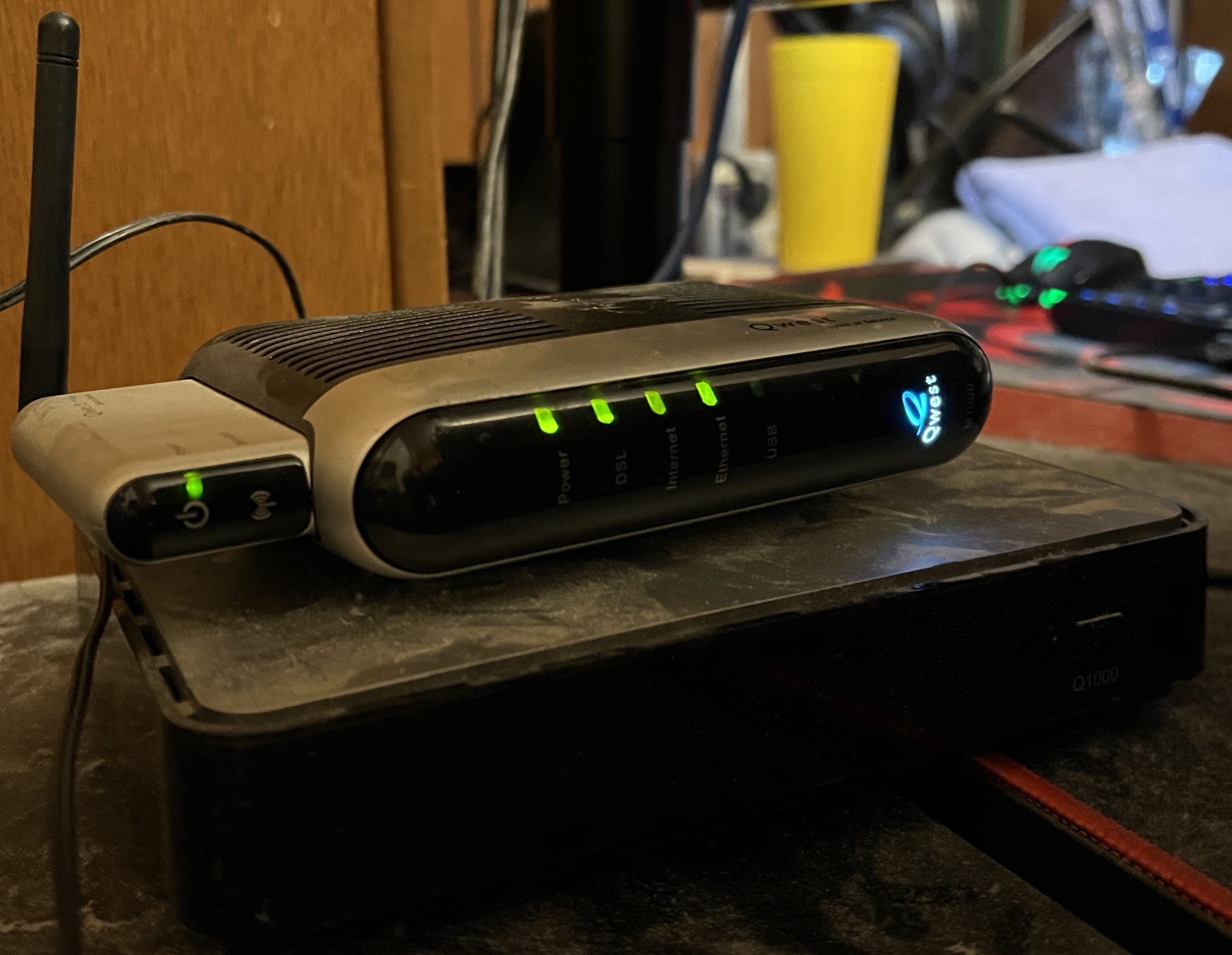
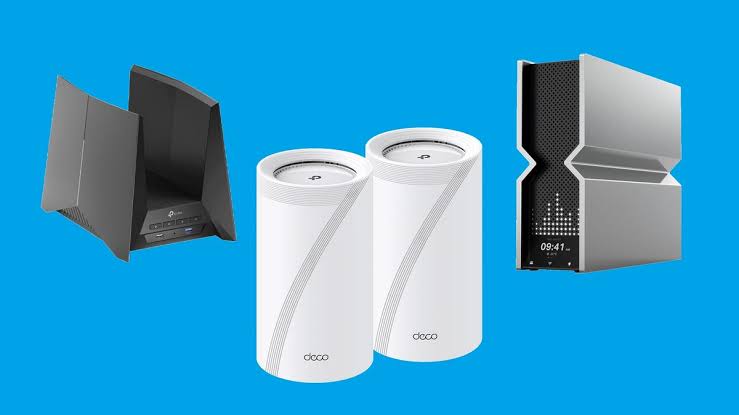
WiFi arrived in our homes in the early 2000s — one router, one room of decent signal, and a great deal of patience. The 2010s brought dual-band routers and real speed, but a single box in the hallway still couldn't push through brick walls to the whole property.
Then came mesh: multiple nodes working as one seamless network, and coverage finally caught up with how people actually live. WiFi 6 and 6E followed, built for device-dense homes and workplaces — more capacity, lower latency, better battery life for everything connected.
Today, WiFi 7 delivers multi-link speeds once reserved for cables, and cloud-managed networks quietly optimise themselves — often fixing problems before you ever notice. The router in your hallway has come a long way; we make sure yours has too.
How it works.
From consultation to completion.
- 1
Site Survey & Assessment
We measure real coverage room by room and find the gaps, interference and building-material challenges.
- 2
Network Design
Access points, cabling and failover planned around your floorplan — not a generic diagram.
- 3
Installation & Cabling
Tidy CAT6 runs, neatly mounted access points, everything labelled and made good.
- 4
Testing & Optimisation
Speeds verified in every room and tuned for the devices you actually use.
- 5
Handover & Support
A walkthrough of your new network, then ongoing support whenever you need us.
WiFi questions, answered.
Do I need a survey first?
It's not always essential, but it's the best way to identify coverage gaps, interference and building-material challenges before any equipment goes on the wall. For larger or more complex properties we always recommend a full wireless survey — ours are free.
Do you cover both homes and businesses?
Yes, and we tailor the approach to each. Business networks prioritise device density, uptime and security; home networks focus on whole-property coverage, ease of use and smart home compatibility.
Which brands do you work with?
A range of proven WiFi vendors, from enterprise-grade systems to consumer-friendly mesh — and we stay vendor-neutral, recommending what's right for your space rather than what's on our shelf.
Can you set up parental controls for my kids' devices?
Yes — we build parental controls into the network itself, so they work on every device without installing apps on each one. Content filtering, safe search, screen-time schedules and a one-tap pause button, all managed from a simple app on your phone. Kids' devices get their own profile, so your own browsing stays untouched.
Do you offer ongoing support?
Yes — support packages for businesses and maintenance for homes, including remote monitoring, updates, troubleshooting and hardware replacement. Every installation carries our 6-month workmanship guarantee, with hardware covered by the manufacturer's warranty.
Not sure which WiFi solution fits your space?
Home offices and hybrid properties often overlap — we'll assess and recommend the right setup.